Websites
Your website's calculator is your best salesperson
A good payment calculator answers the question every buyer is too shy to ask — and, built properly, hands you a warm lead with the numbers already filled in.
Avi Technologies · · 4 min read
Every buyer of a truck, a trailer, an excavator or a new set of windows has the same question in their head before they call anyone: what’s this going to cost me per month?
Most websites make them ask a person. That’s friction, and some people simply leave instead. A well-built calculator answers the question on the spot, at 11pm on a Sunday, without anyone feeling sold to. Built properly, it does a second job too: it turns an anonymous visitor into a lead who’s already done half the paperwork.
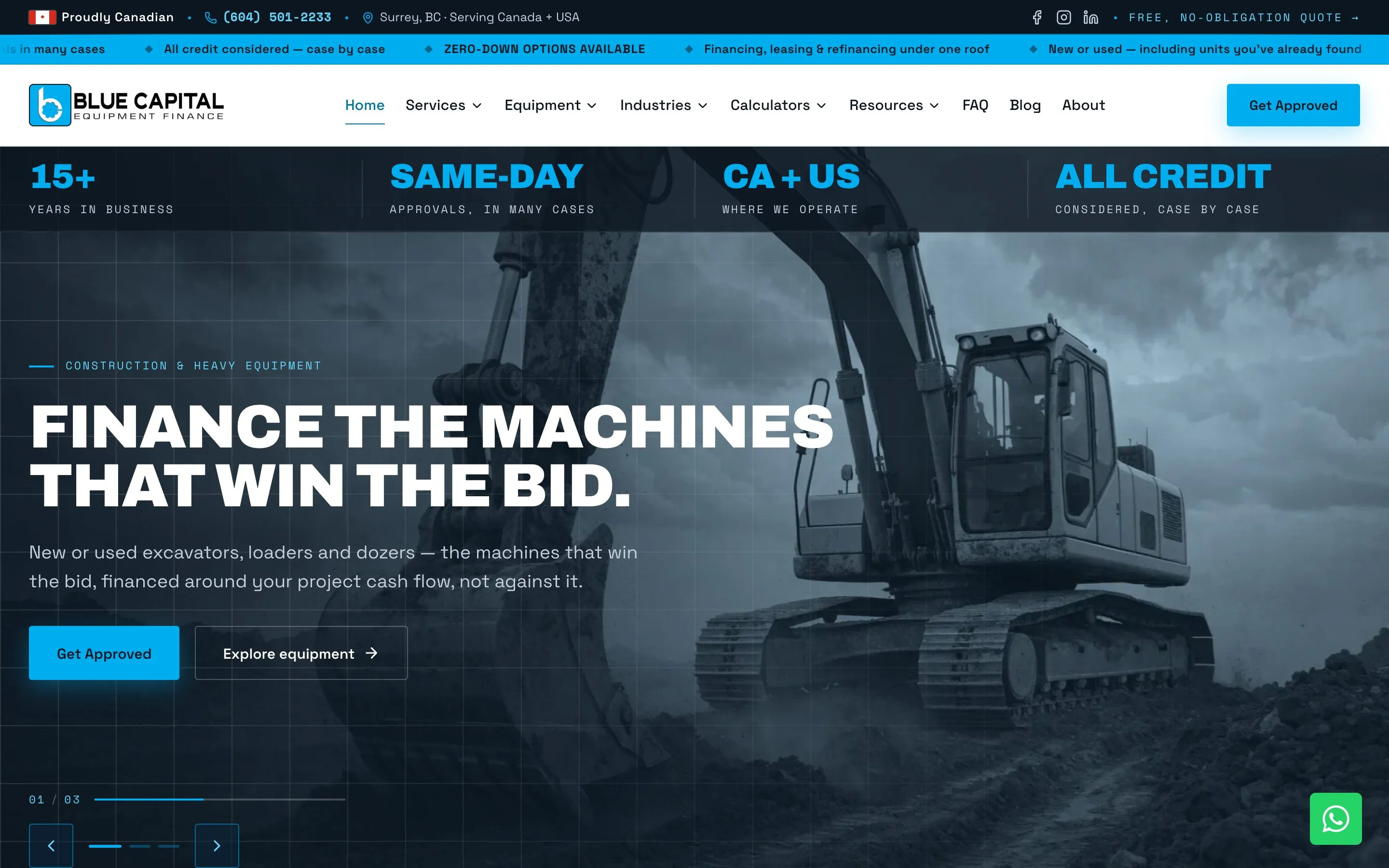
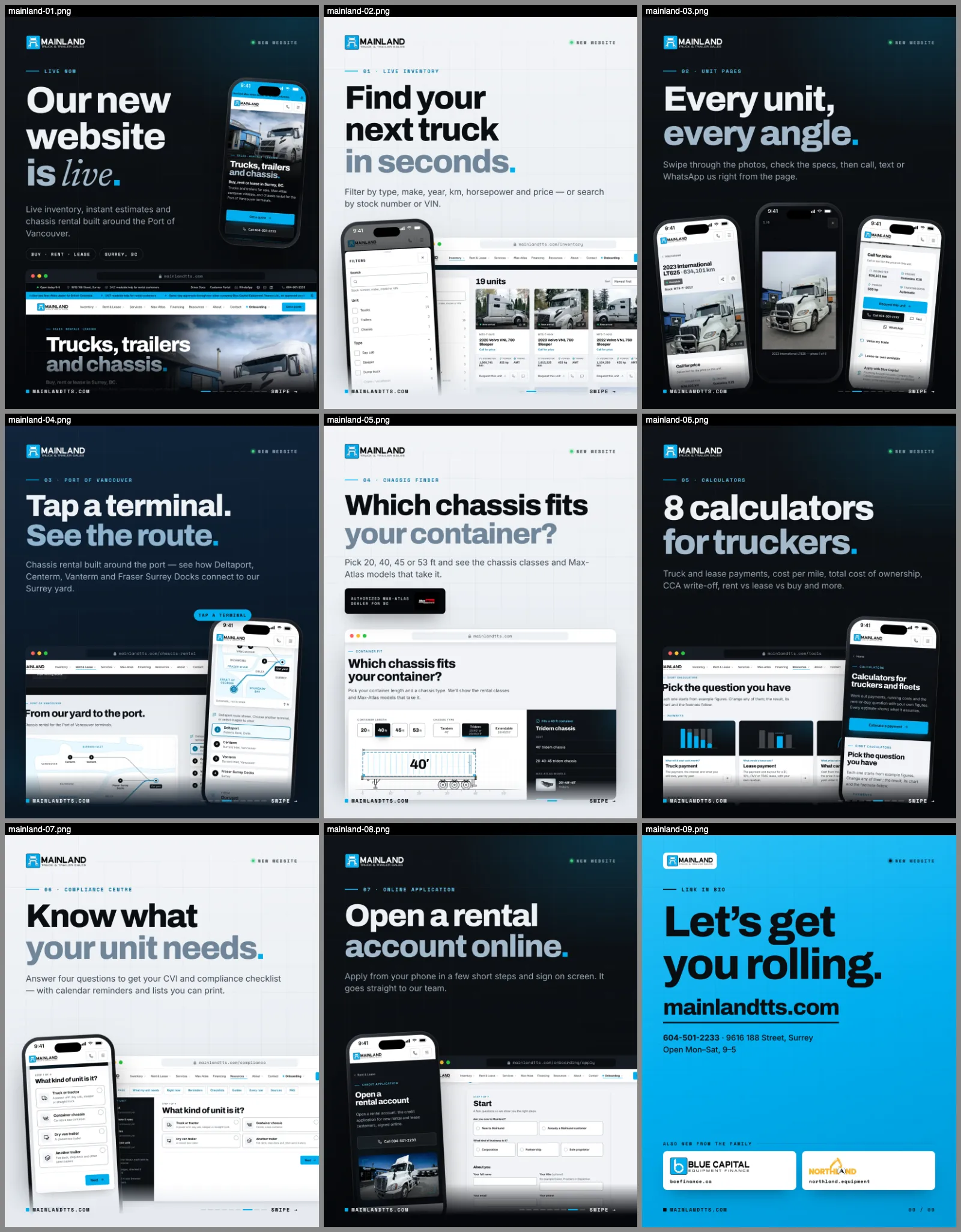
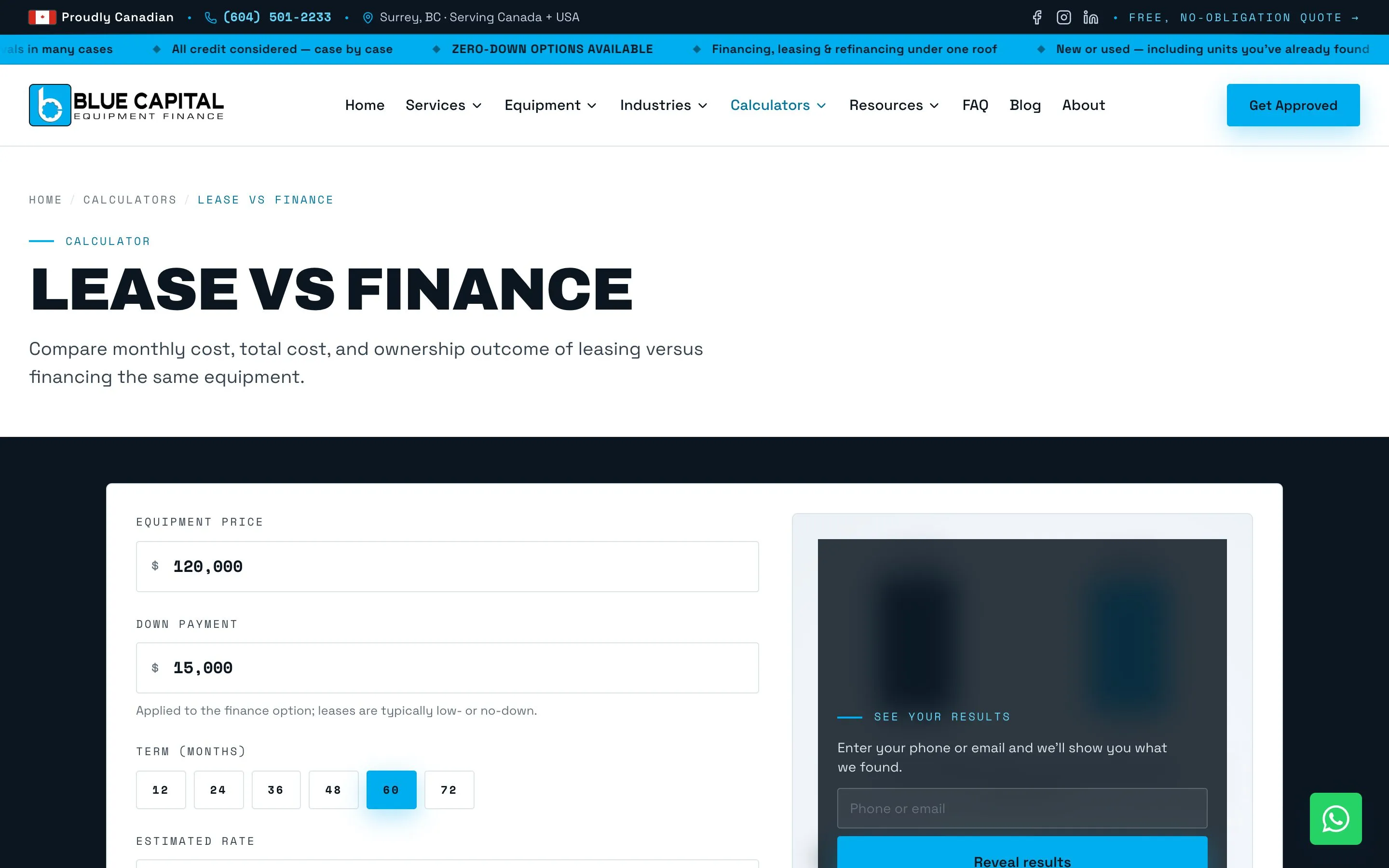
We’ve built a lot of these: a full calculator suite and guided configurators for Blue Capital Equipment Finance, payment and leasing tools for Mainland Truck & Trailer, a cost-of-ownership comparison for Northland Equipment, and an instant quote that produces a PDF for FrameX. Here’s what we’ve learned about making them earn their keep.
A calculator is a conversation, not a widget
Buyers don’t think in “amortisation”. They think in questions:
- What would my payment be on this unit?
- Should I lease or finance?
- How much do I need to put down?
- What does this really cost me per mile?
- Can I write it off?
So we build calculators around questions, not formulas. Blue Capital’s set includes finance payment, lease payment, lease vs finance, affordability, down payment, refinance, total cost of ownership, cost per mile, factoring, fuel savings, and tax and depreciation. Each one answers a single question well, rather than one giant form trying to do everything.
Nobody searches for “a calculator”. They search for the answer to their question. Build for the question.
Make the numbers feel real
A calculator that spits out one number is easy to ignore. One that shows the shape of the decision gets people thinking:
- Live results: the payment updates as you drag a slider, with no “calculate” button.
- A breakdown: how much is principal and how much is interest, or the lease total against the purchase total.
- A comparison: lease vs finance side by side, or four machines’ five-year running costs on one chart.
- A sensible default: realistic starting values for the industry, so the first number someone sees is plausible rather than zero.
Don’t make them type it twice
This is where most calculators fail as sales tools. Someone spends five minutes modelling a $120,000 truck over 60 months, clicks “Apply”, and lands on a blank credit application.
On Blue Capital’s site, the result carries straight through. When someone moves from a calculator or configurator to the application, the product, price, term, rate and estimated payment come with them, so the application opens pre-filled with the deal they just modelled. The salesperson who picks up that lead knows exactly what the buyer is looking at before the first call.
Let people share their numbers
Equipment decisions are rarely made alone. There’s a business partner, a spouse or an accountant to convince. So the calculator’s inputs live in the page address: change a slider and the URL updates quietly. Copy the link, send it to your accountant, and they see exactly the same scenario.
Two details make that work properly:
- It doesn’t pollute your analytics. Updating the address on every slider change could look like hundreds of page views. We update it in a way that analytics doesn’t count as navigation.
- It doesn’t lose your ad tracking. If someone arrived from an ad, the campaign and click identifiers in the address are preserved while the calculator rewrites everything else, so the eventual lead is still credited to the ad that brought them.
Gate the answer, not the tool
For the deeper configurators, such as building a lease or finding the right finance product, it can make sense to ask for contact details before showing the final figures. Done badly, that’s a wall. Done well, it’s a fair trade.
The pattern we use:
- Visitors configure everything freely. Nothing is hidden while they explore.
- The computed figures stay softly blurred until they leave a phone number or email. That submission is the lead.
- One unlock per visit. Unlock once and every gated figure, on every tool, is revealed for the rest of the session. Asking again on the next calculator is the fastest way to lose someone.
Measure what the calculators actually do
A calculator is only a sales tool if you can see it selling. On the sites we build, the actions that matter are tracked as conversions: credit applications submitted, rental requests sent, enquiry forms completed, calls and WhatsApp taps. That’s what lets you answer questions like which calculator produces the most applications? and do people who use the lease builder close more often?
| What we measure | Why it matters |
|---|---|
| Clicks through to “Get approved” | Which tools create intent |
| Applications and enquiries submitted | Which tools create leads |
| Calls and WhatsApp taps | Which pages prompt people to reach out |
| Source of each lead | Which ads and pages feed the tools |
Calculators also help you rank
People search for questions like “lease vs finance truck” and “equipment payment calculator”. A genuinely useful tool, with clear explanatory content around it, gives search engines a reason to rank the page and gives other sites a reason to link to it. Blue Capital’s calculators sit alongside a library of articles and guides that answer the surrounding questions, and the two feed each other.
What this means for you
If your website makes buyers call to find out a price, you’re losing the ones who won’t. A calculator that answers honestly, carries the numbers into your application and tells you which tools produce leads is one of the highest-value pages you can build.
Want one built around how your customers actually decide? Tell us about your product.